
Instant Menu Updates
Roll out fresh dishes or daily specials across every outlet in seconds, without reprinting. Update prices, availability, and descriptions in real-time.
Turn every table into a digital storefront with our QR scan order app. Replace outdated paper menus with live, multi-language, contactless experiences that work for hotels, cafés, and cloud kitchens.
Average uplift in add-on orders
Contactless, app-free journeys
Time to launch a seasonal special




BiteQR keeps your front-of-house, kitchen, and digital channels in sync while guests enjoy beautifully guided ordering from the moment they scan.
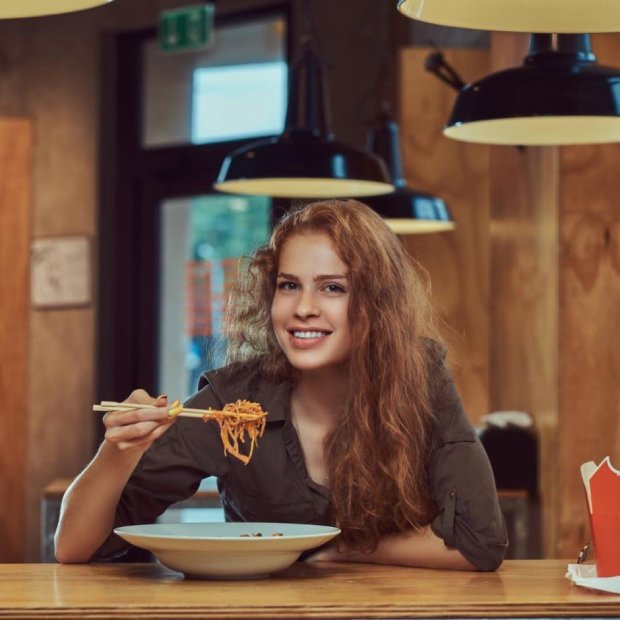
BiteQR enhances modern dining with fast, contactless ordering and a seamless digital menu experience.
Roll out fresh dishes or daily specials across every outlet in seconds, without reprinting. Update prices, availability, and descriptions in real-time.
Welcome locals, tourists, and delivery guests with effortless language toggles right inside the menu. Support for multiple Indian languages and dialects.
Guests simply scan, browse, and order in their browser—no downloads, logins, or friction. Works on any smartphone with a camera.
Keep customers informed with live order status updates. From order placed to kitchen preparation to ready for pickup/delivery.
Track sales, popular items, peak hours, and customer preferences. Make data-driven decisions to optimize your menu and operations.
Assign QR codes to tables for seamless dine-in experiences. Track orders by table number and streamline service operations.
Monitor table availability in real-time with color-coded status indicators. Mark tables as occupied or available instantly, helping staff manage seating efficiently and reduce wait times.
From launch to live orders, BiteQR keeps every step intuitive so teams stay focused on service, not screens.
1
Stand up a branded BiteQR hub for every location with hours, contact info, and table codes.
2
Craft rich dish cards, combos, and merchandising banners that reflect your brand voice.
3
Print and place dynamic QR codes that adapt instantly across dine-in, pickup, or room service.
4
Track table availability in real-time with visual status indicators. Mark tables as occupied or available to optimize seating and improve service efficiency.
5
Guests explore curated menus, switch languages, and discover upsells designed for every moment.
6
Orders route to your team while diners receive real-time progress from kitchen to table.
BiteQR enhances modern dining with fast, contactless ordering and a seamless digital menu experience.
Control every location from one dashboard with localized menus, pricing, licensing, and status management that keeps ops in sync.
Launch seasonal menus, bundles, and upsell flows with drag-and-drop simplicity and rich imagery support.
Guide guests from browse to checkout with intelligent upsells and milestone updates that mirror the kitchen.
Track payments, prep, and fulfillment in one queue with filters, tags, and SLA alerts for every channel.
Control roles, shop access, and license expirations for teams, franchises, and consultants.
Delight guests with app-free browsing, quick actions, and inclusive accessibility patterns on any device.
Translate dishes, allergens, and filters instantly so locals, tourists, and delivery guests feel at home.
Spin up branded QR packs with table numbers, custom art, and printable PDFs for every dining zone.
Spot top sellers, table turns, and buying patterns in real time with sharable stories and alerts.
View and manage table availability at a glance with visual status indicators. Green for available, orange for occupied—help your team optimize seating and reduce customer wait times.
Unlock end-to-end ordering directly inside BiteQR. Capture dine-in, pickup, delivery, and room service requests, orchestrate prep queues, and keep guests informed at every milestone without bouncing between tools—fully production-ready for live operations today.
Optimize your restaurant's seating efficiency with real-time table status tracking. View all tables at a glance with intuitive color-coded indicators—green for available, orange for occupied—helping your staff manage seating seamlessly and reduce customer wait times.
Color-coded cards make it instantly clear which tables are available, occupied, or inactive. No more guessing or manual tracking.
Mark tables as occupied or available with a single click. Changes reflect immediately across all devices for your entire team.
Reduce wait times by quickly identifying available tables. View capacity, section, and status all in one dashboard.
See how BiteQR helps both restaurants and their customers
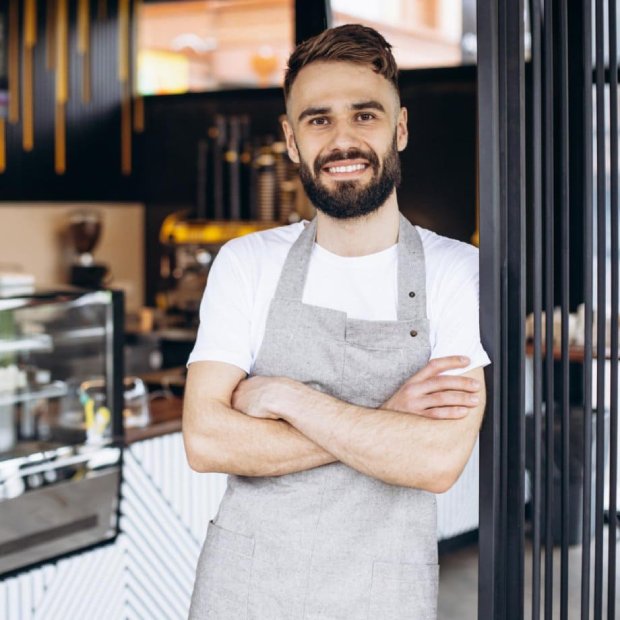

BiteQR adapts to your business model, whether you run a fine dining restaurant, a quick-service café, or a cloud kitchen.
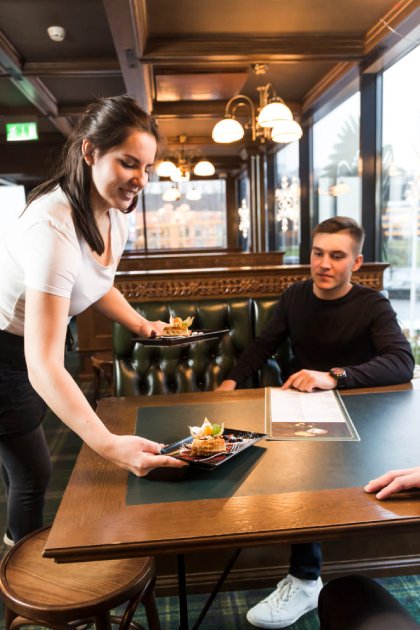
Transform your dining experience with table-based QR ordering. Guests scan, browse, and order without waiting for staff.
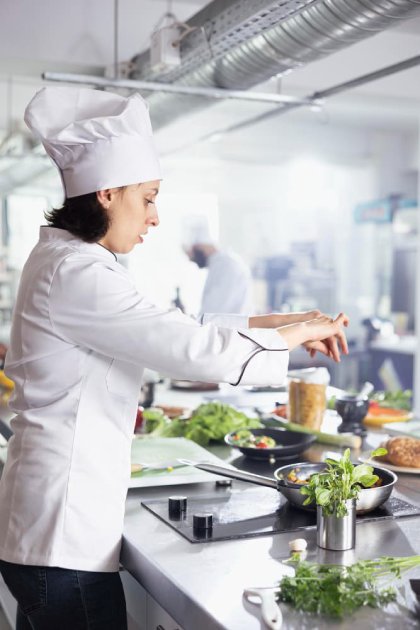
Streamline delivery operations with instant menu updates and order tracking. Manage multiple brands from one dashboard.
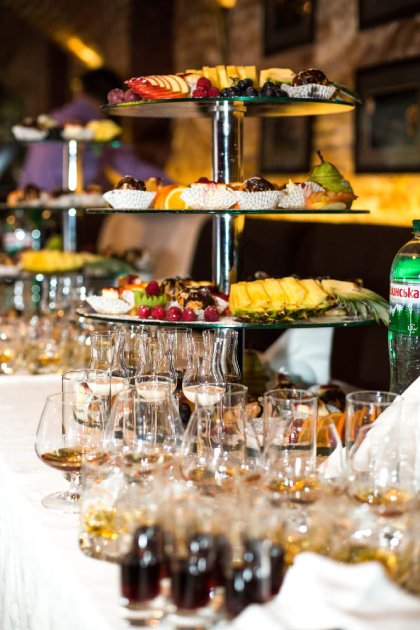
Deploy QR menus across multi-vendor venues, pop-ups, or festivals. Support multi-language flows for diverse crowds.
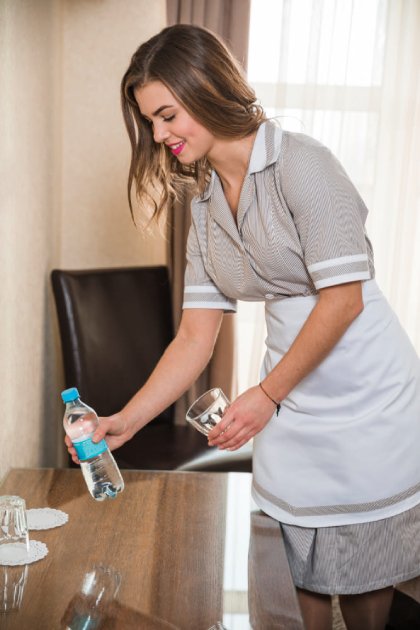
Enhance guest stays with in-room QR menus. Guests order directly from their room with contactless service.
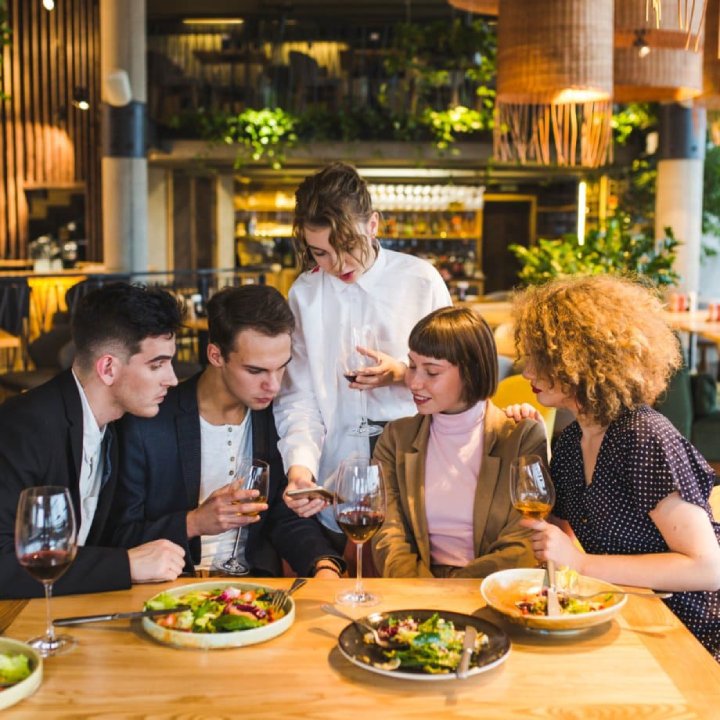
BiteQR pairs beautiful storytelling with live updates, smart ordering, and analytics—effectively turning every QR code into a profitable storefront.
No downloads needed. Guests scan the QR, land on a responsive web experience, and complete everything in-browser.
Yes. BiteQR’s multi-outlet manager lets you segment locations, customise menus, and push updates per venue or network-wide.
Once you publish updates, every connected QR instantly reflects new items, pricing, or availability—no reprints required.
Absolutely. You can add translations, dietary tags, and allergen callouts so diners feel confident in their choices.
The order and status module is slated for Q4 2025 with phased beta access for existing BiteQR partners.
Yes! BiteQR includes a comprehensive table status management system. You can view all tables at a glance with color-coded status indicators (green for available, orange for occupied), helping your staff manage seating efficiently and reduce customer wait times.
Transform your dining experience with QR-powered menus, real-time updates, and seamless ordering — it all starts here.
Get StartedHave a question? Fill out the form below and we'll get back to you soon.